$2,026.63 Inc. GST
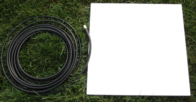
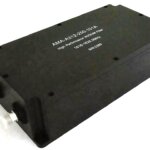
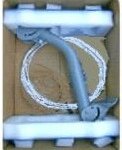
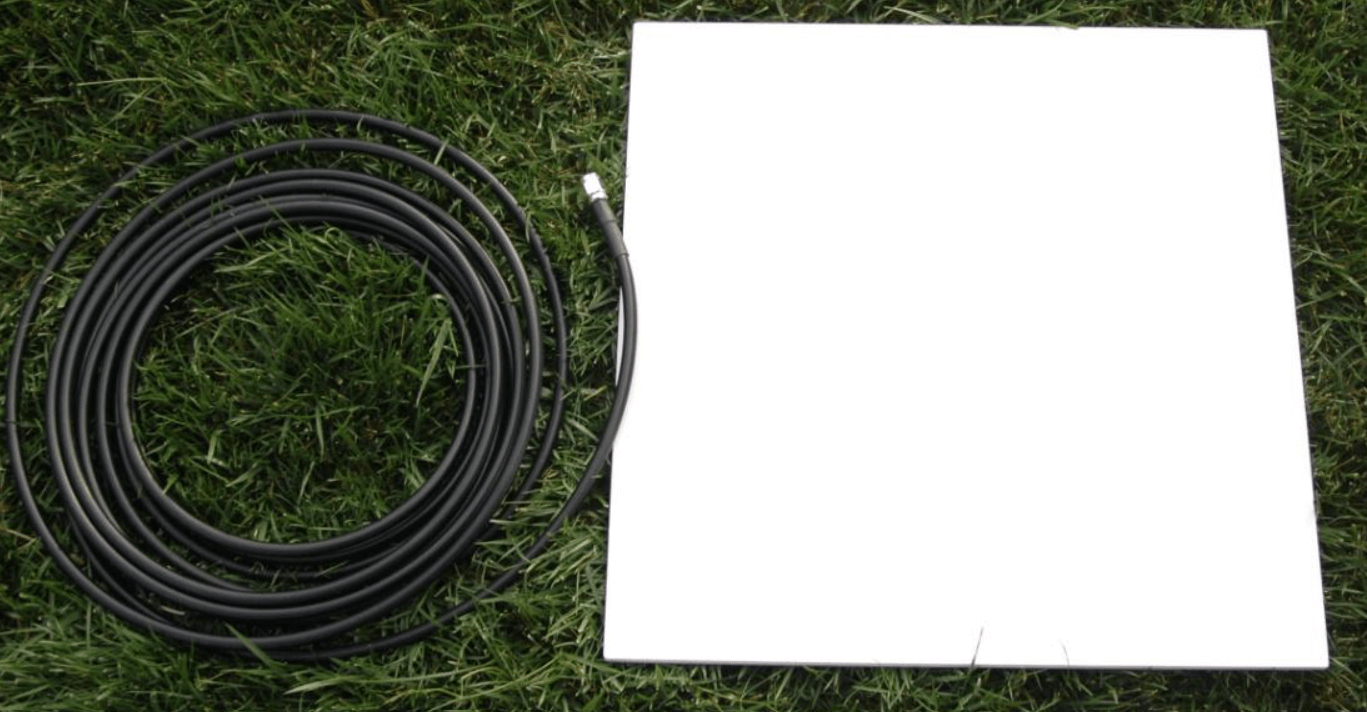
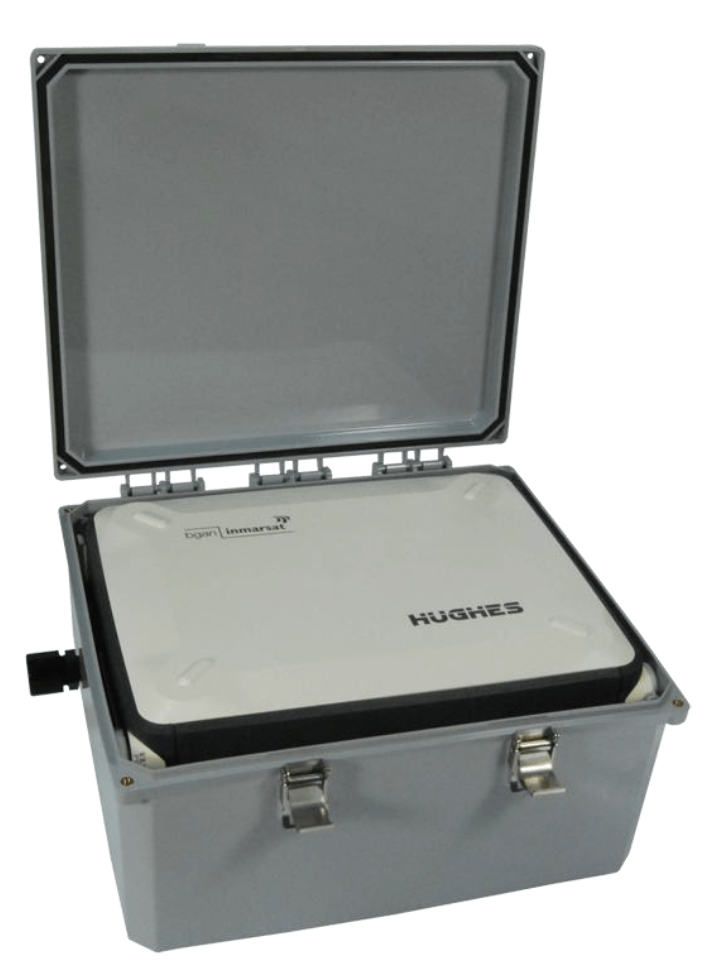
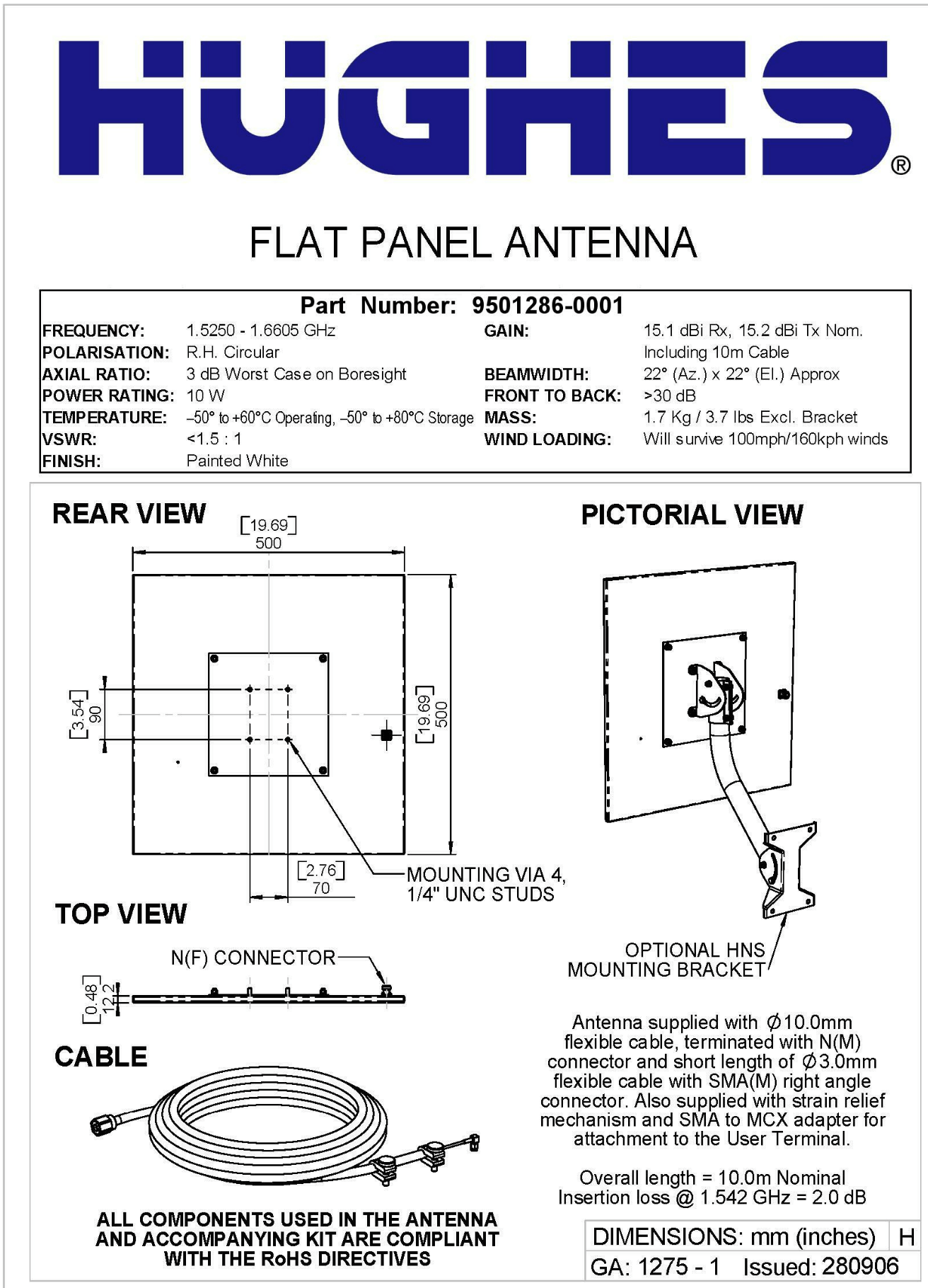
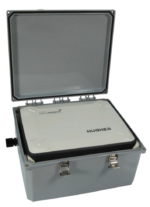
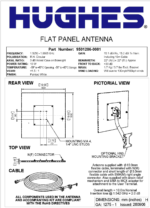
9501286-0001 Hughes 9201 Antenna, External ODU Kit, 10m cable
The Hughes BGAN External Antenna is a fixed solution to use the 9201 terminal indoors.
Compatibility: This external antenna only works with the Hughes 9201 BGAN.
The eternal antenna is fixed outside with Power and Ethernet Cables running from the External Antenna to the 9201 BGAN Terminal which can remain/be located safely indoors.
This Pack Includes:
Specifications
This Hughes BGAN Remote Antenna is designed to be permanently installed with:
NOTE: The 9201 Terminal is designed to be Externally/Permnently installed outdoors, and fitted to a Fixed Mount, and with or without a Nema Box.
Fixed / Semi-Fixed and M2M Installations
The satellite terminal can be mounted on a pole or flat surface (such as a wall or roof) using the Fixed Mount Kit accessory.
This kit includes all the installation brackets, mounting hardware, tools, and instructions to complete the installation, except for the screws, bolts, etc. required to mount it to the structure.
Proper installation ensures that the terminal is always correctly pointed at the satellite. Once properly mounted, the terminal can then be left alone for an extended period of time without having to be re-pointed or set-up. The Fixed Mount Kit accessory can also be re-used to install the terminal in different locations.
When mounted in a location where access to the terminal may not be straightforward (for example, mounted high on a wall), you may want the terminal to recover automatically after a power outage. To permit this, the following automatic mode settings are recommended (see the Automatic Mode section on page 85 for more details):
Auto on mode is enabled
LED off mode is enabled
Antenna pointing bypass is enabled or Point Once mode is selected
Automatic context activation (ACA) is enabled or an Always On context is configured (see the M2M Web page)
SIM PIN entry is disabled
In addition, it is recommended that the battery be removed to prevent it from being damaged at extreme temperatures.
No account yet?
Create an Account